

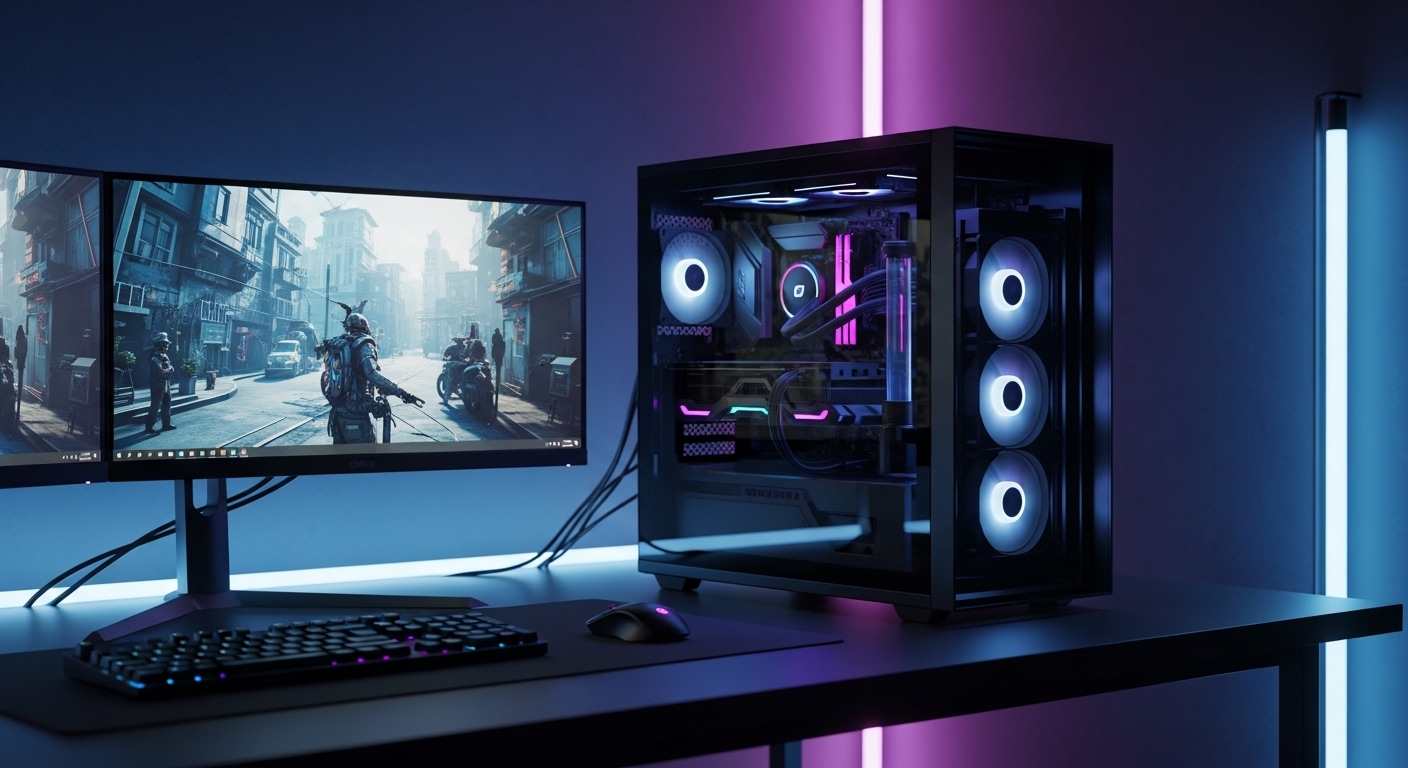
Why a $2000 Gaming PC is the Sweet Spot in 2026
Building a gaming PC under $2000 in 2026 is one of the smartest decisions for gamers who want high performance without entering extreme enthusiast pricing. At this budget level, you are not limited to entry or mid-range hardware anymore. Instead, you can build a system that easily handles modern AAA games, competitive esports titles, streaming, content creation, and even light professional workloads.
The biggest advantage of this budget range is balance. You get access to high-end GPUs, efficient modern CPUs, fast DDR5 memory, NVMe storage, and premium cooling solutions without unnecessary overspending. However, the key to success is understanding how to distribute your budget correctly.
This guide is designed to be a complete SEO-friendly breakdown of a gaming PC under $2000, including every component, realistic pricing based on current market trends, performance explanation, and upgrade suggestions if you decide to spend a little extra.
By the end of this blog, you will know exactly how to build a powerful, future-proof gaming PC that delivers excellent FPS in 1080p, 1440p, and even 4K gaming scenarios.
Budget Strategy for a $2000 Gaming PC Build
Before selecting components, it is important to understand how professional builders allocate budget.
A properly balanced gaming PC in 2026 follows this structure:
The graphics card should take the largest portion of the budget because it directly impacts gaming performance. The processor comes second, followed by motherboard, RAM, storage, power supply, case, and cooling.
A recommended breakdown is:
GPU: 35% to 45 percent
CPU: 15% to 20 percent
Motherboard: 8% to 12 percent
RAM: 8% to 10 percent
Storage: 5% to 10 percent
Power supply, case, cooling: remaining budget
Many beginners make the mistake of overspending on CPU or RGB aesthetics instead of investing in GPU power. In gaming workloads, especially at 1440p and 4K resolutions, the GPU is the most important component.
Now let’s build the actual system step by step.
CPU (Processor): The Brain of the Gaming PC
Recommended CPU: AMD Ryzen 5 7600X
Price: $230 to $260
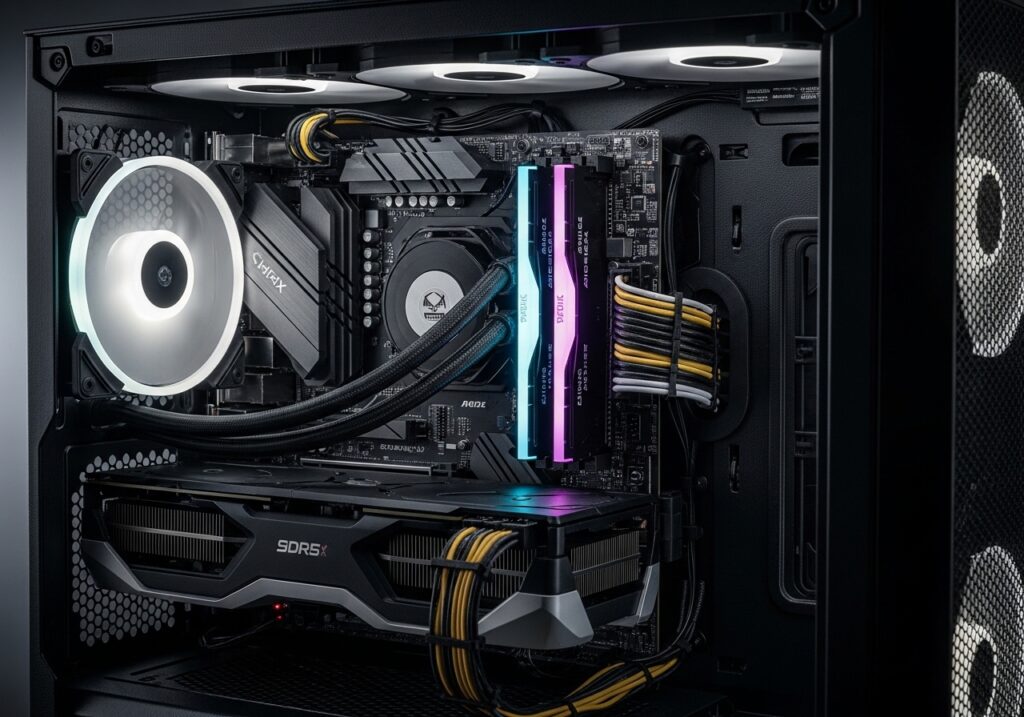
The AMD Ryzen 5 7600X is one of the best gaming processors in the mid-range segment in 2026. It features 6 cores and 12 threads, built on a modern architecture designed for high gaming performance and efficiency.
Why This CPU is Good for Gaming
This processor is extremely strong in single-core performance, which is crucial for gaming. Most modern games still rely heavily on fast core speed rather than high core counts. The Ryzen 5 7600X delivers consistently high frame rates in both competitive and AAA gaming environments.
It also supports DDR5 memory and PCIe 5.0, which means your system is future-ready for upcoming upgrades. Another advantage is its efficiency. It does not require extreme cooling solutions, which helps reduce total build cost.
Gaming Performance Benefits
This CPU pairs extremely well with high-end GPUs and avoids bottlenecking in most modern games. It performs well in CPU-heavy games like simulation titles, open-world games, and competitive shooters.
Upgrade Suggestion
If you want to increase performance further and extend the lifespan of your build, consider upgrading to:
AMD Ryzen 7 7800X3D
This CPU is widely considered one of the best gaming processors due to its 3D V-Cache technology, which significantly boosts gaming FPS in many titles. It is especially powerful for CPU-sensitive games and long-term future-proofing.
GPU (Graphics Card): The Most Important Component for Gaming
Recommended GPU: NVIDIA RTX 4070 Super or AMD RX 7800 XT
Price: $550 to $650
The graphics card is the heart of any gaming PC. In this budget range, you can access upper mid-range to high-end GPUs that deliver excellent performance at 1440p resolution and solid 4K gaming capability.
Why These GPUs are Excellent Choices
The NVIDIA RTX 4070 Super is optimized for modern gaming features such as ray tracing and AI-based upscaling technologies. It delivers excellent efficiency and smooth gameplay in demanding titles.
On the other hand, the AMD RX 7800 XT provides strong raw performance and typically offers more VRAM, which is increasingly important for high-resolution textures in modern games.
Both options are excellent, and your choice depends on preference between NVIDIA features or AMD raw performance value.
Gaming Performance Expectations
With these GPUs, you can expect:
At 1080p: Extremely high FPS suitable for competitive gaming
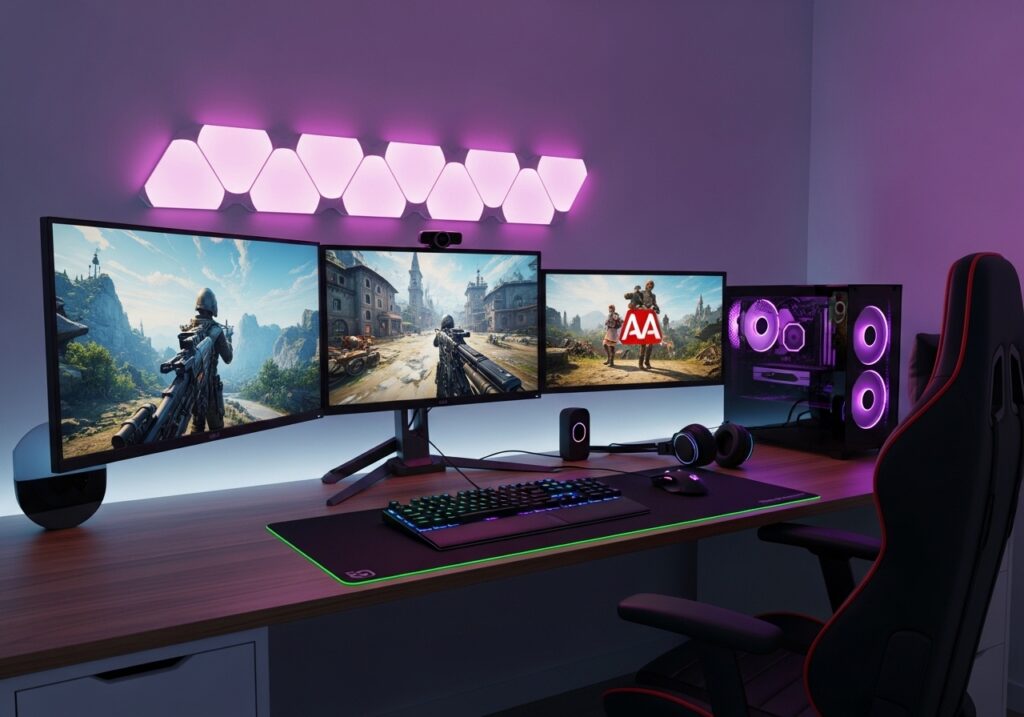
At 1440p: Ultra settings with smooth 80 to 140 FPS performance
At 4K: Playable performance with optimized settings around 50 to 80 FPS
Upgrade Suggestion
If you have extra budget, upgrading the GPU provides the biggest performance jump:
RTX 4070 Ti Super or RX 7900 XT
These options significantly improve 4K gaming performance and future-proof your system for upcoming AAA titles.
Motherboard: The Foundation of Stability and Connectivity
Recommended Motherboard: B650 Chipset ATX Board
Price: $150 to $200
The motherboard plays a crucial role in system stability, connectivity, and future upgrade support. The B650 chipset is an ideal choice for a gaming PC under $2000.
Why This Motherboard is Good
B650 motherboards support modern technologies such as DDR5 memory and PCIe 5.0. They also provide good power delivery systems that ensure stable CPU performance during gaming sessions.
They offer enough USB ports, NVMe slots, and expansion options for most gamers without unnecessary premium pricing.
Upgrade Suggestion
If you want additional features like better VRM cooling, more connectivity options, and enhanced build quality, you can upgrade to an X670 motherboard. This is recommended only if you plan heavy upgrades or workstation usage.
RAM (Memory): Speed and Multitasking Capability
Recommended RAM: 16GB DDR5 (2x8GB) 6000MHz
Price: $80 to $120
RAM is essential for smooth multitasking and gaming performance. In 2026, DDR5 is the standard for modern systems, offering higher bandwidth and efficiency.
Why This RAM is Good
16GB is still sufficient for most gaming scenarios. It allows smooth gameplay in modern titles while handling background tasks like Discord, browsers, and system processes.
The 6000MHz speed is considered optimal for AMD Ryzen systems, ensuring low latency and high performance.
Upgrade Suggestion
For better future-proofing, especially for streaming, multitasking, or heavy gaming titles, upgrading to 32GB DDR5 is highly recommended. Many modern games are beginning to use more memory, making 32GB a smart long-term investment.
Storage: Speed Matters in Modern Gaming
Recommended Storage: 1TB NVMe Gen4 SSD
Price: $70 to $120
Storage speed has become extremely important in modern gaming. NVMe SSDs drastically reduce load times and improve system responsiveness.
Why This SSD is Good
A 1TB NVMe Gen4 SSD provides fast boot times, quick game loading, and smooth asset streaming in open-world games. Many modern games require fast storage to avoid stuttering or texture loading delays.
Upgrade Suggestion
If you install multiple large AAA games, upgrading to a 2TB SSD is highly recommended. Modern games can exceed 100GB each, making additional storage essential for convenience.
Power Supply (PSU): Safety and Stability First
Recommended PSU: 750W 80+ Gold Certified
Price: $90 to $130
The power supply is one of the most important yet often ignored components in a gaming PC build.
Why This PSU is Good
A 750W Gold-rated PSU ensures stable power delivery, protects your components from voltage fluctuations, and supports high-performance GPUs without issues.
It also provides enough headroom for future upgrades, making it a safe long-term investment.
Upgrade Suggestion
If you plan to upgrade to more powerful GPUs in the future, consider an 850W Gold PSU for additional stability and flexibility.
PC Case: Airflow and Cooling Efficiency
Recommended Case: Mid-Tower Airflow Focused Case
Price: $70 to $120
The case affects airflow, cooling efficiency, and overall system temperatures.
Why This Case is Good
A mesh-front airflow case ensures proper cooling for both CPU and GPU. Good airflow prevents thermal throttling and helps maintain consistent performance during long gaming sessions.
It also provides enough space for cable management and future upgrades.
Upgrade Suggestion
Premium cases offer better build quality, quieter operation, and improved cable management, but they are optional if airflow is already strong.
CPU Cooler: Temperature Control for Performance Stability
Recommended Cooler: Air Cooler (Example Class: DeepCool AK400 Level)
Price: $30 to $60
Cooling is essential for maintaining consistent performance, especially during long gaming sessions.
Why This Cooler is Good
Modern mid-range CPUs do not require expensive liquid cooling. A high-quality air cooler is more than enough to maintain safe temperatures while keeping noise levels low.
It is also more reliable and easier to install compared to liquid cooling solutions.
Upgrade Suggestion
If you want better aesthetics and slightly improved thermal performance, you can upgrade to a 240mm liquid AIO cooler.
Full Gaming PC Build Cost Summary
CPU: $250
GPU: $600
Motherboard: $170
RAM: $100
Storage: $100
PSU: $110
Case: $90
CPU Cooler: $50
Total Estimated Cost: $1470 to $1600
This leaves a significant portion of your $2000 budget available for upgrades such as a better GPU, more RAM, or increased storage capacity.
Gaming Performance Overview
This gaming PC is designed to handle modern workloads efficiently.
At 1080p resolution, you can expect extremely high frame rates suitable for competitive esports gaming.
At 1440p resolution, the system delivers ultra settings with smooth performance across most AAA titles.
At 4K resolution, the system remains playable with optimized settings, depending on the game.
Overall, this is a balanced high-performance gaming build suitable for both casual and serious gamers.
Recommended Upgrade Path for the Future
If you plan to upgrade your system over time, follow this priority order:
First upgrade the GPU for maximum FPS improvement
Then upgrade RAM to 32GB for multitasking and future games
Add additional storage for game libraries
Finally upgrade CPU if needed for specific workloads
Common Mistakes to Avoid When Building a Gaming PC
Avoid overspending on unnecessary RGB components
Do not buy low-quality power supplies
Do not use slow or outdated RAM
Always prioritize GPU over CPU for gaming builds
Ensure proper airflow instead of focusing only on aesthetics
The Best Gaming PC Under $2000 in 2026
A $2000 gaming PC build in 2026 is capable of delivering excellent performance across all modern gaming scenarios. The key to success is balance, ensuring that each component complements the other without bottlenecks.
This build focuses on high GPU performance, efficient CPU selection, fast DDR5 memory, and reliable cooling and power delivery.
If built correctly, this system will remain powerful and relevant for several years, making it one of the best investment-level gaming setups available today.
Frequently Asked Questions
What are the best tips for gamers to improve fast?
The best way to improve is consistent practice, learning game mechanics, watching professional players, and adapting to new strategies.
How do I become a better competitive gamer?
Focus on reaction time, map awareness, teamwork, and understanding meta strategies used in competitive gaming.
Is the content on We Gamers Club suitable for beginners?
Yes, our content is designed for both beginners and experienced gamers, with easy-to-follow guides and advanced strategies.
How often is new content published on We Gamers Club?
We regularly publish new content and update existing articles to ensure gamers get the latest information and strategies.
Can I trust the gaming tips on this website?
Our tips are based on research, gameplay experience, and current gaming trends to provide useful and reliable information.
Why should I use We Gamers Club?
We Gamers Club helps gamers improve faster by providing clear guides, useful tips, and up-to-date gaming information in one place.
Can I improve my competitive gaming skills using this site?
Yes, our guides focus on improving skills such as strategy, decision-making, and gameplay mechanics for competitive gaming.
